
AI-generated evidence has become the next problem for Canadian courts. CaseCollect, our free iPhone app, gives people a way to prove their real photos and videos haven’t been changed.
In July, I wrote in Slaw that fake case citations were only the start. Of the 28 Canadian decisions I found where AI went wrong in some other way, the newest kind involved evidence: parties using AI to create the material they put before a decision-maker. In my view, it was going to be the next frontier.
It also looks like our system is responding to this issue. Ontario’s Civil Rules Committee is finalizing rules on AI-generated evidence, including a presumption that undisclosed AI content, deepfakes included, is inadmissible. At the University of Waterloo, Professor Maura Grossman’s team is building a tool to help courts tell real content from fake.
Solving the Issue at the Source
With generative AI, the problem runs both ways. Someone can pass off a fake photo as real, and just as easily, someone can dismiss a real photo as fake. Detection tools, which try to work out after the fact whether a file is authentic, will certainly be helpful. But the person holding a real photo or video also needs something they can bring to court themselves. Someone who takes an honest photo of a leaking ceiling or a damaged car can now be told it’s AI, and has little to point to except their own word.
We think the best answer is to give that person a certificate from the start: one created the moment they take the photo, that they can rely on if the photo is ever challenged, and that a court may accept as part of their evidence.
So We Built CaseCollect
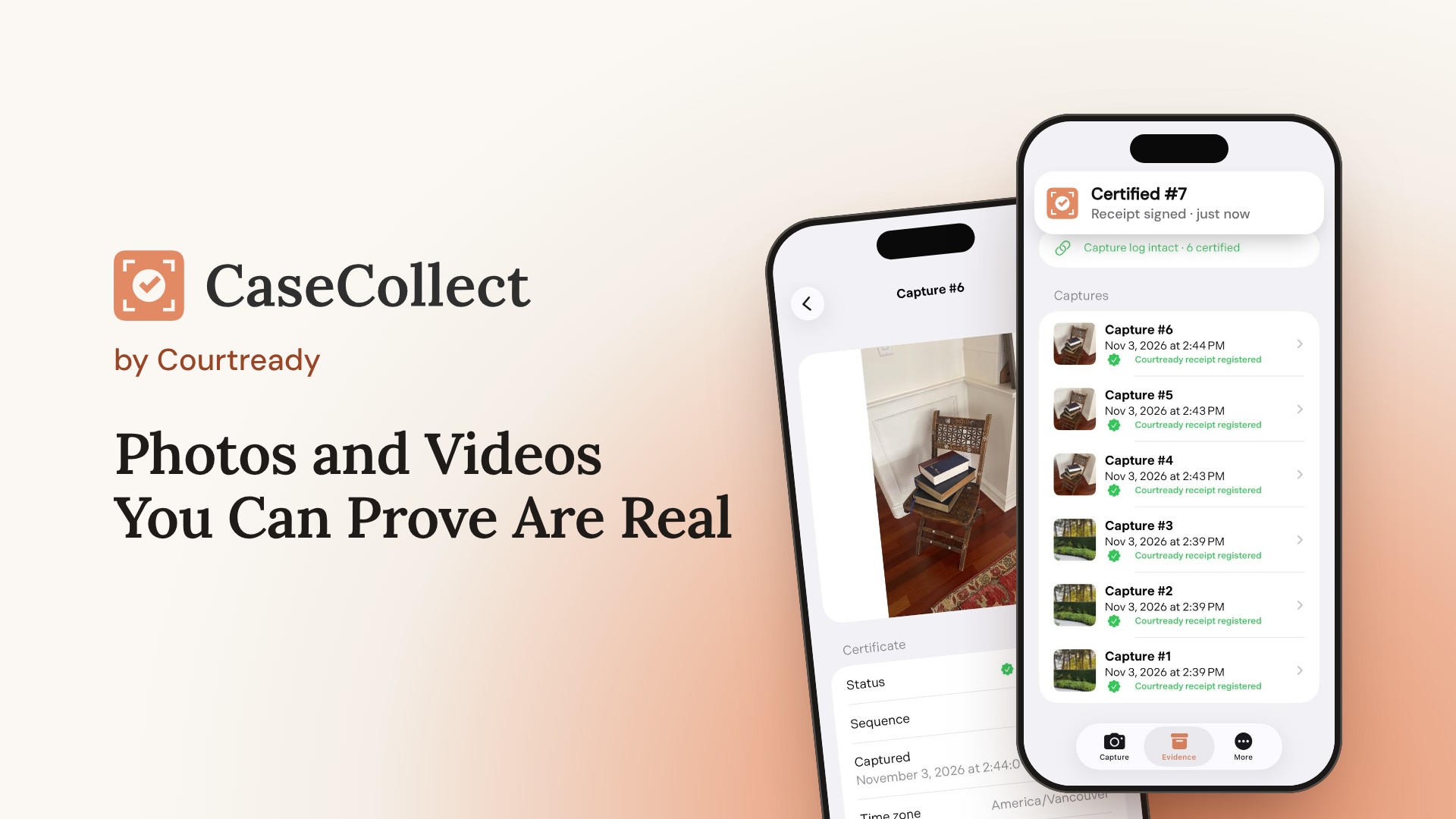
Here’s how CaseCollect works. You take a photo or video with the app’s own camera, and it’s certified on your phone at that moment, even offline. When you’re online, the app gets a signed receipt from us indicating when the capture was registered. Your photo or video never comes to Courtready. Instead, the app sends us a unique code for each file, a bit like a fingerprint. The code doesn’t show us your photo, but if anyone changes the photo later, it won’t match the code anymore.
You can then export a plain-language certificate to file with your evidence. If anyone doubts that a photo or video is real, they can upload it to our verification page. The check runs in their own browser and tells them whether the file is the original, the same picture saved again (for example, by a messaging app), modified (with the changed areas highlighted where possible) or not certified by CaseCollect at all.
We want to be clear about its limits. CaseCollect doesn’t decide whether a court will admit a photo, and it can’t tell you whether the scene in front of the camera was staged. What it can show is that your file hasn’t changed since you took it. When “that’s AI” is such an easy thing to say, we think having a way to show that it isn’t matters.
If you’re documenting a rental unit, an accident or unfinished work, or you’re a lawyer or paralegal who wants clients to capture evidence properly, please try it. And tell us what works and what doesn’t. We always welcome feedback.